
Why Data Backup Is Crucial for Recovering Lost Information
Data is the lifeblood of today’s digital world. From personal files to business records, keeping your data safe is vital. When systems fail, data loss can occur, causing stress and potential financial damage. In the case of RAID systems, which are used for storing large amounts of data, having a proper backup plan is even more essential. This ensures that your valuable information isn’t lost forever and can be retrieved when needed.
Understanding RAID Systems
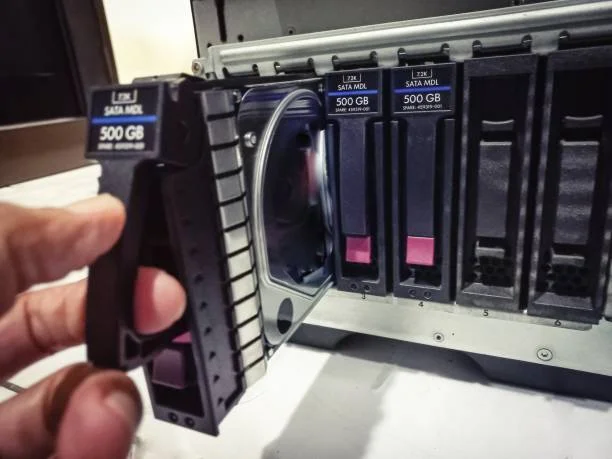
RAID, or Redundant Array of Independent Disks, is a way to store the same data in different places to protect it from loss. It uses multiple hard drives to improve performance and provide redundancy. However, even with this setup, failures can happen. That’s where RAID data recovery becomes critical. Without backups, recovering data can be extremely challenging.
Common Causes of Data Loss in RAID Systems
Several factors can lead to data loss in RAID systems. Hardware failure is a common issue, as drives wear out over time. Human error, such as accidental deletion, also poses risks. Additionally, software corruption and malware attacks can compromise data integrity. In such instances, having reliable RAID data recovery processes in place can significantly minimize downtime and data loss impacts.
The Role of Data Backup in Mitigating Risks
Backing up your data regularly is one of the most effective ways to prevent permanent loss. With a solid backup strategy, you can restore your system quickly after an incident. Backups serve as a safety net, allowing you to recover important files without hassle. Regularly scheduled backups ensure that even if one set of data is compromised, another version remains accessible.
Benefits of Implementing Regular Backups
There are several advantages to maintaining routine backups:
- Ensures data availability during emergencies
- Reduces downtime following a system failure
- Protects against accidental deletions and corruption
- Maintains business continuity and client trust
- Facilitates quick recovery without needing extensive RAID data recovery
Best Practices for Effective Data Backup
For effective data backup, consider these practices:
- Automate backup processes to avoid human error
- Use offsite storage for added security
- Regularly test backups to ensure they work correctly
- Document backup procedures clearly for easy reference
Choosing the Right Backup Solution
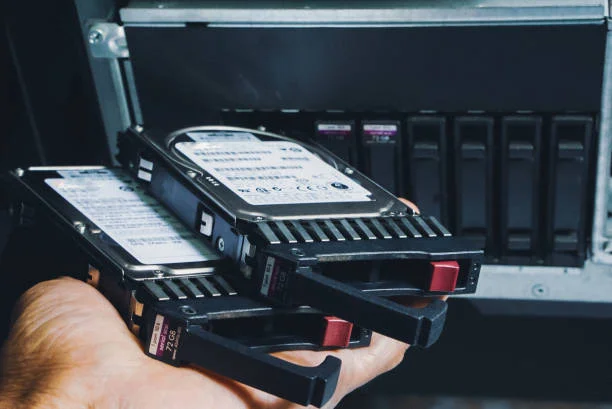
Selecting an appropriate backup solution depends on several factors, including the size of your data, budget constraints, and specific needs. Consider CLOUD-based options for scalability and remote access. Local backups provide faster restoration times but might require more maintenance. Evaluate solutions based on their ability to meet your recovery objectives without excessive costs.
Final Recommendations for Secure Data Management
Incorporating regular data backups into your IT strategy is essential for safeguarding your digital assets. While no system is entirely foolproof, taking proactive steps can minimize risks significantly. Located in Sherman Oaks, CA, our team at Magic Data Recovery offers expert advice tailored to your needs. Contact us today at (818) 337-4407 to learn how we can help you implement effective backup solutions.