
Tips for Checking the Health of Your USB Storage Device
When a flash drive stops working, it can feel like you’ve lost everything stored on it. However, not all hope is lost. By understanding some key indicators, you can identify whether your flash drive is recoverable. This process will help determine if the data can be restored or if professional assistance is necessary. In this guide, we will explore several ways to assess the health of your flash drive and provide steps to take when attempting recovery.
Assessing Physical Damage
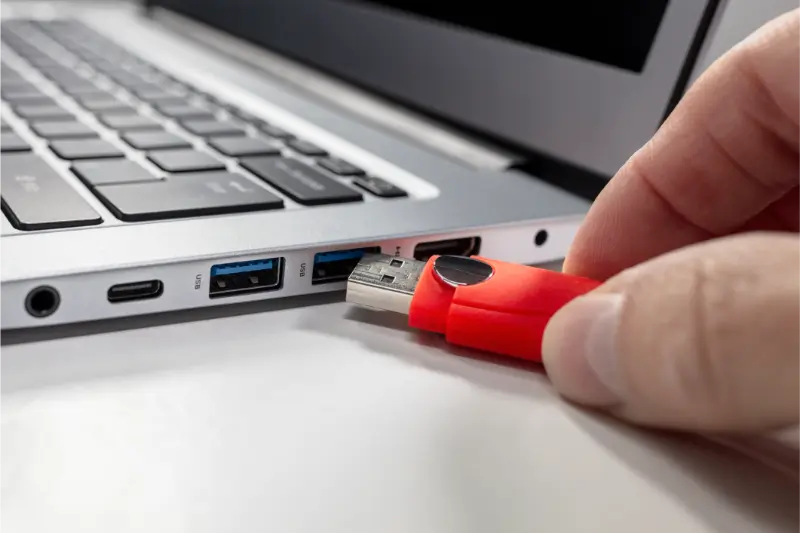
The first step in identifying if your flash drive is recoverable is checking for physical damage. Signs like cracks, bent connectors, or exposed circuitry may indicate severe damage that complicates recovery efforts. A closer look at your device can reveal whether these visible issues are present. If the damage seems minimal, there’s still a chance to retrieve the data yourself.
Testing Compatibility With Devices
Another crucial step involves testing your flash drive across multiple devices. Sometimes, what appears as a problem with the drive could actually be an issue with the USB port or the computer itself. Plugging the flash drive into different computers or laptops helps rule out any device-specific problems. If your flash drive works on another device, flash drive recovery might not be necessary.
Using Disk Management Tools
Disk management tools can provide insights into your flash drive’s condition. Programs such as Windows Disk Management or Apple’s Disk Utility allow you to view the status of drives attached to your system. These tools can show if the drive is recognized by the operating system and if there are any partitions. Missing partitions or unrecognizable drives often suggest deeper issues needing immediate attention from flash drive recovery specialists.
Listening for Unusual Noises
While flash drives don’t contain moving parts like traditional hard drives, they shouldn’t make any noise during operation. If you hear buzzing, clicking, or other unusual sounds upon plugging in your flash drive, it might signify internal damage. This could mean that recovery is more complicated but still possible with professional help.
Checking File Accessibility
An important indicator of recoverability is whether files can be accessed or not. Try opening files directly from the flash drive to see if they load without errors. In some cases, only certain files become corrupted while others remain intact. If most files are accessible, backup whatever data you can before proceeding with further attempts to repair the drive.
Utilizing Data Recovery Software
If standard checks don’t yield results, data recovery software might help restore your files. Various applications exist that scan for lost or corrupted data on storage devices. Look for reputable options known for high success rates and ease of use. Follow their instructions carefully to maximize chances of retrieving your essential documents and media files.
Conclusion: Taking Action With Professional Support
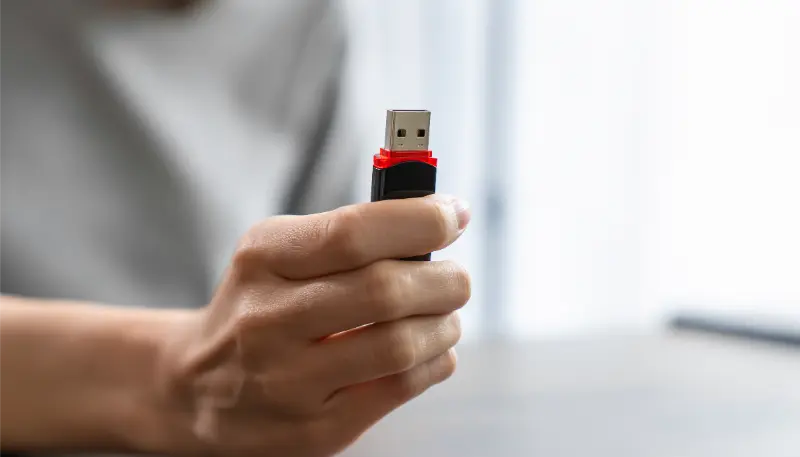
In conclusion, assessing whether your flash drive is recoverable involves several diagnostic steps. From inspecting physical conditions to employing recovery software, each method plays a role in determining the next course of action. Should these measures prove insufficient, consulting experts offers a viable path forward. Reach out to Magic Data Recovery for professional guidance. Our team in Sherman Oaks, CA is ready to assist you in regaining access to your valuable information—contact us today at (818) 337-4407.